Making the book
How to make a photo book with your whole family
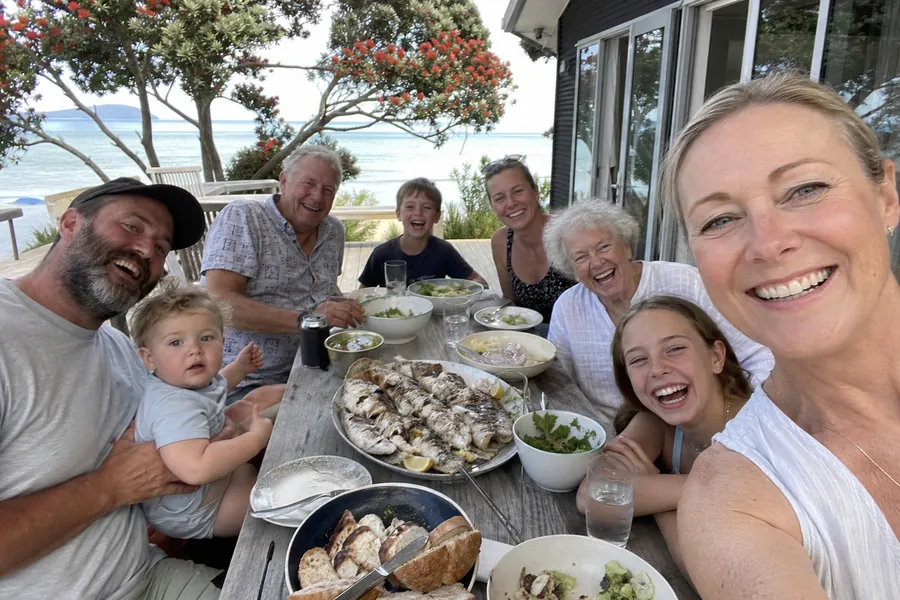
Most family photo books are made by one person, late at night, from the photos that happen to be on their own phone. The result is a book about one household. The other option is to get everyone to add their own, which sounds harder and is actually less work, if you set it up the right way.
1. Decide who it's for and when it's needed
A book for a person and a date gets finished. "A family photo book, sometime" does not. Pick the person (Nana, Grandad, Mum) and the day (a birthday, Mother's Day, Christmas), then count back two weeks: one for the family to add photos, one for printing and delivery.
2. Start the book and name it
On Paper Chain you start a book by typing who it's for and your email. The title on the cover starts as "For Nana" and you can change it. Nothing costs anything at this point.
3. Invite people properly
There are two ways to bring the family in, and they work best together.
- Add each person by email. They get an invite with their own link, and reminders until they've added something. You can see who has and who hasn't.
- Drop the shared link in the family chat. Anyone can use it. Good for cousins whose email you don't have.
Before the invites go, you see the exact email they'll get and the days the reminders will be sent.
4. Ask for something small and specific
"Send photos for Nana's book" gets nothing. "Add your five favourite photos from this year and one line about each" gets five photos. People respond to a number and a deadline.
5. Let people write their own words
Each person can write a note, which is printed on a page of its own before their photos, and a caption for each photo. The captions are what turn it from an album into something a grandparent reads cover to cover. If you're stuck, we have caption ideas.
6. Tidy it up
As organiser you see the whole book as it fills. You can:
- leave out any photo (the duplicates, the blurry one, the one of someone's thumb)
- drag photos into a better order, and choose whose pages come first
- pick the photo for the cover
- choose one of ten cover themes
- fix a caption someone typed in a hurry
If a photo is too small to print well, it's flagged with the name of the person to ask for the original. That one is worth chasing; see why chat-app photos print blurry.
7. Preview, then order
Flip through the pages on screen. They're laid out by the same code that makes the print file, so what you see is what arrives. Add the delivery address, check the price and the arrival date, and order.
Order it to your own address if you want to wrap it or hand it over in person. Order it to theirs if you want it to turn up as a surprise.
How long it really takes
Setting up: five minutes. Each relative: about five minutes on their phone. Your tidying at the end: ten. The slow part is waiting for people, which is what the reminders are for.