Print quality
How to scan old photos with your phone
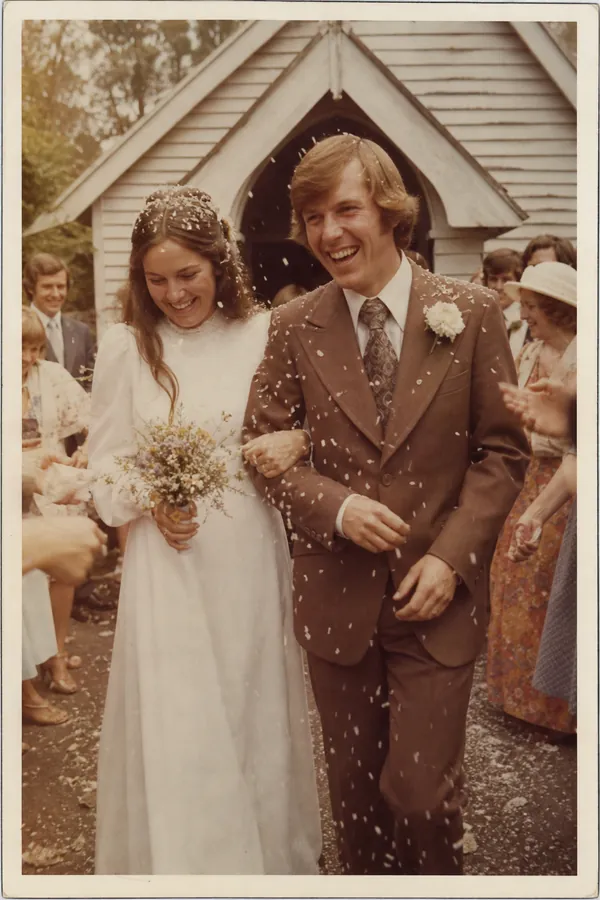
The best pages in a family book are often the oldest photos: the wedding, the first house, the children at five. They live in albums and frames, and you don't need a scanner to get them out. A phone does it in seconds if you get four things right.
1. Light: bright and indirect
Stand by a window in daytime, with the sun not shining directly on the print. Direct sun and ceiling lights both cause glare and shadows. Turn the flash off; it bounces straight back off glossy paper.
2. Flat and straight on
Lay the print flat on a table. Hold the phone directly above it, parallel to the table, so the print looks like a rectangle on the screen and not a trapezium. Most phones show a small level or crosshair when you point straight down; line it up.
3. Fill the frame
Move the phone until the print nearly fills the screen. Don't zoom with your fingers; that throws away detail. A small print photographed close up still gives you a file big enough for a full page.
4. Deal with glare
- Take photos out of frames. Glass doubles the glare.
- For album pages under plastic film, lift the film if it will lift without damage. If not, tilt the album slightly until the reflection slides off the picture.
- Check for your own shadow or the phone's reflection before you tap.
Which app?
The ordinary camera app is all you need. Take the photo, then use the crop tool to trim to the edges and straighten it.
If you have a stack to get through, Google's free PhotoScan app takes several shots of each print and combines them to remove glare. The document scanner built into phone notes apps is made for paper and text; it flattens the colours of photographs, so the camera is the better choice.
Tidy up, gently
- Crop to the edge of the image, or leave the white border if you like the look of an old print.
- Straighten it.
- Leave the colour alone. The faded seventies orange is part of it.
Write down what you know
Turn the print over. If there's a date or names on the back, put them in the caption. If nobody is sure who the man on the left is, say so in the caption and let the book start the conversation.
Do this with the oldest person in the family sitting next to you. You'll get the photos and the stories at the same time.